_big-1006x746.png)
Workplace Technology • 11 Mar 2026
Empower Your Team. Track What Matters.
See Work Where It Happens
Workroom gives you real-time visibility into your team’s work — track time, apps, websites, and productivity in one powerful dashboard without micromanagement
Workflow
Look at a glance how our app works

Instant Access Anytime, Anywhere
Access performance data in real time from any device, anytime
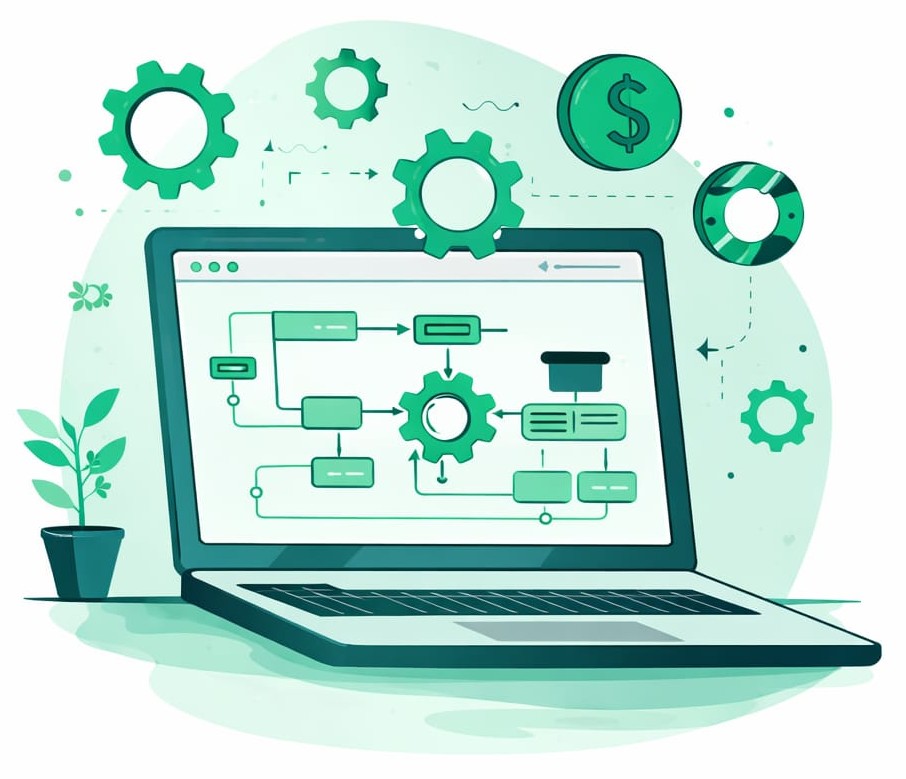
Automated Processes
Automatically track, calculate, and report key employee performance metrics

Secure & Reliable Data
Protect sensitive employee information with enterprise-grade security and backups
Workflow
Look at a glance how our app works
Instant Access Anytime, Anywhere
Access performance data in real time from any device, anytime
Automated Processes
Automatically track, calculate, and report key employee performance metrics
Secure & Reliable Data
Protect sensitive employee information with enterprise-grade security and backups
The features you need
All in one place.
Work Tracking
Automatically track employee work hours and activity during working time. Workroom records tasks and productivity data in the background. Employee Monitoring
Employee Monitoring
Monitor team activities through screenshots, live monitoring, and app usage tracking to ensure transparency and productivity. Productivity Reports
Timesheets
Manage employee timesheets easily. Review, approve, or reject time logs to maintain accurate work records.
Productivity Reports
Generate daily, weekly, and monthly productivity reports to understand team performance and improve efficiency. Timesheets
More Features
Testimonial
Clients Say Workroom
Sandra M, HR Manager
Work-Room’s timesheet approvals saved us so much back-and-forth, and the live dashboard helps me coach better
Rahul K, CTO, Digital Agency
We cut 15% of non-billable time in two months just by reviewing productivity reports.
Emma L, Remote Operations Lead
Finally, a tool that shows us how we really spend time — without feeling like Big Brother.
Features
Explore our features
Automatic Time Tracking
Work-Room records work hours in the background. Developers, designers, salespeople — everyone’s tasks are automatically tracked by project, client, or team

Activity & App Usage Monitoring
See which apps and websites your team uses, how much time they spend, and categorize them (productive / unproductive / neutral)

Screenshots & Live Monitoring
Enable periodic screenshots or real-time viewing to get proof of work — controlled by you, configurable for privacy (Optional)

Idle Time Detection
Automatically detect idle time (mouse / keyboard inactivity) and distinguish between downtime and real breaks

Timesheets & Approval Workflow
Smart time cards for your team. Managers can review, approve or reject logs. Your payroll and billing data is always backed by real data

Reports & Productivity Analytics
Get daily, weekly, and monthly productivity reports. See which team members are most focused, where time is leaking, and where optimization is needed

Role-based Access & Permissions
Set different access levels for admins, managers, and employees. Control who sees what: live screens, reports, or only their time logs

Integrations
Connect with your favorite tools: Slack, Jira, Asana, Monday, Trello, QuickBooks, and more to sync tasks, projects, and billing

Frequently Asked Questions
Workroom is a team productivity and monitoring platform that helps organizations track work hours, application usage, websites, and screen activity in real time.
Workroom tracks time worked, applications used, websites visited, and optional screenshots to help managers understand team productivity.
Yes. Workroom provides real-time visibility into employee activity, including active time, apps used, and websites visited.
Indeed. Depending on the plan, Workroom can capture screenshots at scheduled intervals to help verify work activity.
Definitely. Workroom uses secure systems and encrypted data storage to protect company and employee information.
Certainly. Workroom allows organizations to manage multiple employees, view productivity reports, and monitor team activity from one dashboard.
Blogs
About WorkRoom
Remote Work • 11 Mar 2026
How to Manage Remote Teams Without Micromanaging ?
Productivity & Team Management • 11 Mar 2026
How Time Tracking Improves Team Productivity ?
Ready to get started?
Try Workroom free for 7 Days
💬
Chatbot
✖